Alpha
The Alpha snapshot creates practice ECX that can be used to test the network and compatible wallets.
 ECXIUM
If your Bitcoin address is eligible for eCash (ECX), you can access your ECX by importing the corresponding Bitcoin wallet into ECXIUM. No manual claim or split button is required.
ECXIUM automatically handles safe coin splitting and replay protection when you import an eligible Bitcoin wallet.
eCash (ECX) is distributed from snapshots of Bitcoin balances at specific block heights.
If a Bitcoin address holds BTC at a relevant snapshot block, a corresponding ECX balance is created on the applicable ECX network stage.
Your Bitcoin is not converted into ECX and does not leave the Bitcoin network. BTC and ECX exist independently after the fork.
To access ECX with ECXIUM, import the Bitcoin wallet that controls the eligible address. ECXIUM detects the corresponding ECX balance and automatically handles the safe separation of BTC and ECX, including replay protection.
There is no separate Claim button or manual Split button in ECXIUM.
Your BTC stays on Bitcoin. Your ECX exists separately on the eCash network. Importing a Bitcoin wallet into ECXIUM does not convert BTC into ECX. ECXIUM uses the wallet credentials locally to access the corresponding ECX wallet and safely separate the assets.
Learn how BTC and ECX are safely separated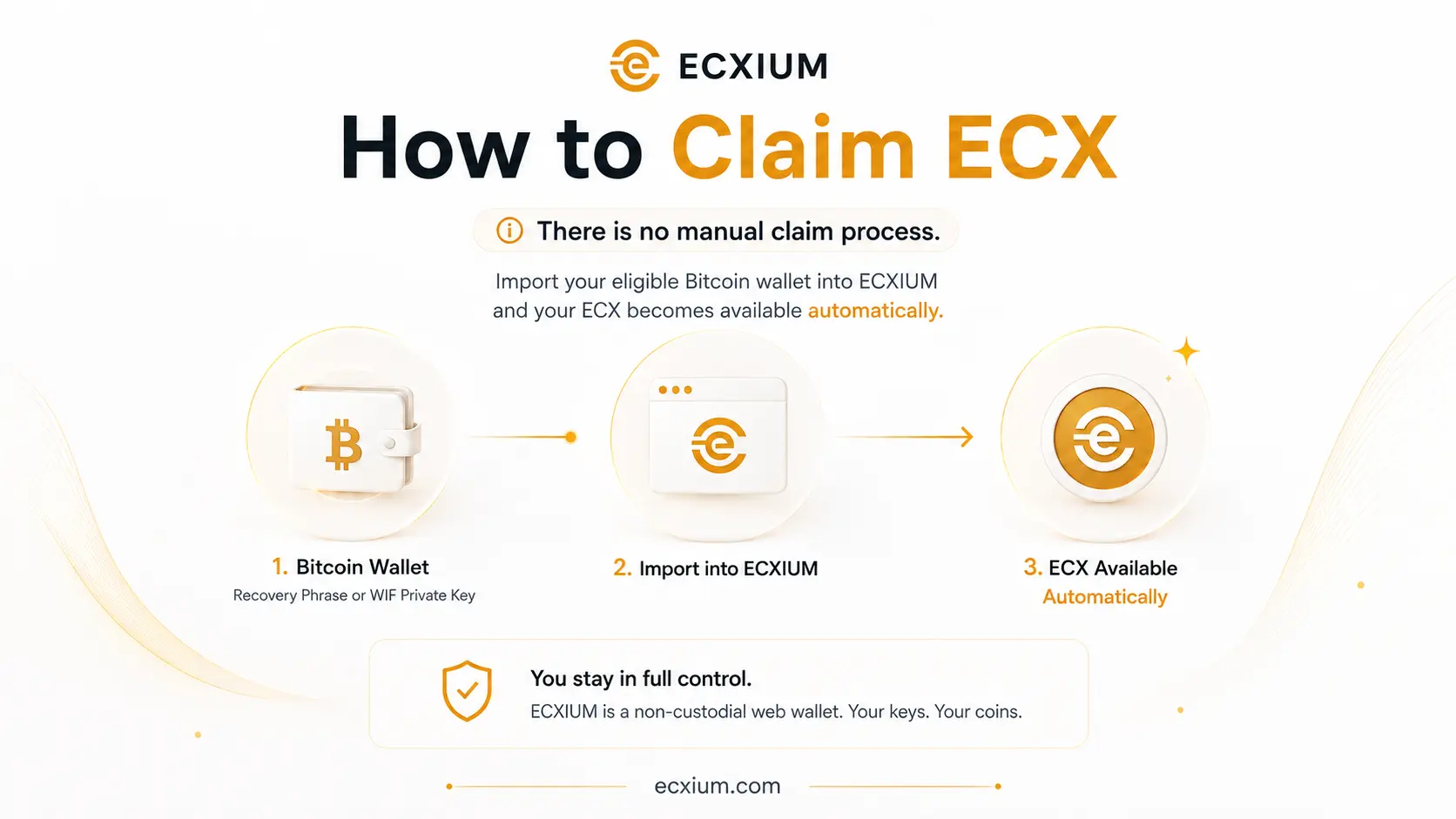
The ECX network launches in three stages. ECX Beta Testnet is now the active stage and uses practice ECX. Alpha was the first practice stage, while permanent ECX is established at Mainnet.
| Stage | Block | Network | Balance |
|---|---|---|---|
| Alpha | ~963,648 | ECX Alpha Testnet | Practice ECX |
| Beta | 967,680 | ECX Beta Testnet | Practice ECX |
| Mainnet | ~973,728 | ECX Mainnet | Permanent ECX |
The Alpha snapshot creates practice ECX that can be used to test the network and compatible wallets.
Beta is the second testing stage before the permanent ECX network begins.
The mainnet snapshot establishes permanent ECX balances.
Alpha and Beta ECX are practice balances. They should not be confused with permanent ECX created at the mainnet snapshot around block ~973,728.
Before importing a Bitcoin wallet, you can check a public BTC address to see whether it has an ECX allocation associated with the snapshot. An eligibility check requires only your public Bitcoin address. Never enter your Recovery Phrase or private key into a public address checker. The eligibility checker is an external service and is not operated by ECXIUM.
Open the ECXIUM Web Wallet and select Import Wallet.
ECXIUM supports Recovery Phrase import and WIF private key import for eligible Bitcoin wallets.
If an imported Bitcoin address has an ECX balance associated with the relevant snapshot, that balance becomes accessible through ECXIUM.
ECXIUM automatically handles the required safe coin-splitting process and replay protection when an eligible Bitcoin wallet is imported.
Depending on the active network stage, the wallet may contain practice ECX from Alpha or Beta, or permanent ECX from Mainnet.
Import a compatible wallet using its Recovery Phrase. This method can restore the wallet structure and addresses derived from the phrase.
Import a specific Bitcoin address using its WIF private key. A WIF private key corresponds to a specific address rather than an entire Recovery Phrase wallet.
ECXIUM handles coin splitting and replay protection automatically when you import an eligible Bitcoin wallet.
Automatic handling means ECXIUM performs the required wallet-side safe separation and replay-protection workflow where required for eligible Bitcoin wallet imports.
This helps BTC and ECX be managed as separate assets after the fork without asking the user to construct manual replay-protection transactions.
Technical Detail. The replay-protection guide explains how shared Bitcoin history can create replay risk and how ECXIUM handles safe separation.
Read ECX Replay ProtectionImport your Bitcoin wallet. ECXIUM handles the rest.
ECXIUM is designed to remove unnecessary manual steps from the ECX claim process.
You do not need to submit a claim transaction manually, use a separate coin-splitting service, construct replay-protection transactions yourself or move your BTC to receive the corresponding ECX.
When you import an eligible Bitcoin wallet, ECXIUM identifies the corresponding ECX and automatically handles safe coin splitting and replay protection.
"No manual split required" does not mean that BTC and ECX do not need to be safely separated. ECXIUM performs this process automatically for you.
Claiming or accessing ECX does not convert your Bitcoin into ECX.
Your BTC remains on the Bitcoin network and your ECX exists separately on the eCash network.
However, Bitcoin and ECX originate from the same pre-fork transaction history. This is why replay protection and safe coin splitting matter when using post-fork funds.
ECXIUM is designed to handle this process automatically when an eligible Bitcoin wallet is imported.
Always make sure you understand which network is active before sending funds, especially during the Alpha and Beta testing stages.
If your Bitcoin wallet is backed up with a compatible Recovery Phrase, you can use that phrase to import the wallet into ECXIUM.
A Recovery Phrase may control multiple Bitcoin addresses. ECXIUM can derive the supported addresses associated with the wallet and identify corresponding ECX balances.
A Recovery Phrase provides control over the assets associated with the wallet. Never share it with another person and never enter it into an eligibility checker, search engine, messaging app or unrelated website.
If you control a Bitcoin address through a WIF private key, you can import that key directly into ECXIUM.
This method is useful when you want to access ECX associated with a specific eligible Bitcoin address rather than restore an entire Recovery Phrase wallet.
A private-key import represents the address controlled by that key. It does not automatically restore additional addresses from another wallet.
If your BTC was held by an exchange or another custodial service at an ECX snapshot, the private keys were generally controlled by the custodian rather than by you.
Whether you receive the corresponding ECX therefore depends on whether that service supports the eCash fork and its distribution.
ECXIUM cannot import or recover ECX from a custodial account unless you control the private keys or Recovery Phrase associated with the eligible Bitcoin address.
Self-custody means you control the keys. Exchange custody means ECX distribution may depend on the exchange.
Once your ECX wallet is available in ECXIUM, you can manage it directly from your browser.
During Alpha and Beta, ECXIUM clearly identifies the active testnet so that practice ECX is not confused with permanent mainnet ECX.
ECXIUM is an independent wallet developed for the eCash (ECX) ecosystem. It is not affiliated with, endorsed by or operated by the official eCash project.
No manual claim transaction is required when using ECXIUM. Import an eligible Bitcoin wallet and ECXIUM identifies the corresponding ECX balance.
BTC and ECX must be safely separated to protect against transaction replay after the fork. ECXIUM automatically handles coin splitting and replay protection when you import an eligible Bitcoin wallet, so no manual split process is required.
No. ECXIUM does not require a separate Claim button. Access to corresponding ECX is integrated into the Bitcoin wallet import process.
No. Importing wallet credentials into ECXIUM does not itself move Bitcoin. BTC remains on the Bitcoin network while ECX exists separately on the eCash network.
No. Alpha and Beta use practice ECX for testing. Permanent ECX is established at the Mainnet snapshot around block ~973,728.
You can check a public Bitcoin address using an ECX eligibility checker. Only your public address is required. Never provide a Recovery Phrase or private key to an address checker.
If an exchange controlled the Bitcoin private keys at the snapshot, access to the corresponding ECX depends on that exchange's support for the fork. ECXIUM requires access to the wallet credentials controlling an eligible address.
Yes. ECXIUM supports compatible WIF private keys for importing individual addresses.
Yes. Compatible Recovery Phrases can be used to restore supported wallets and their derived addresses in ECXIUM.
No. ECXIUM is an independent, non-custodial wallet developed for the eCash (ECX) ecosystem. It is not affiliated with, endorsed by or operated by the official eCash project.
Import your eligible Bitcoin wallet into ECXIUM. Safe coin splitting and replay protection are handled automatically.